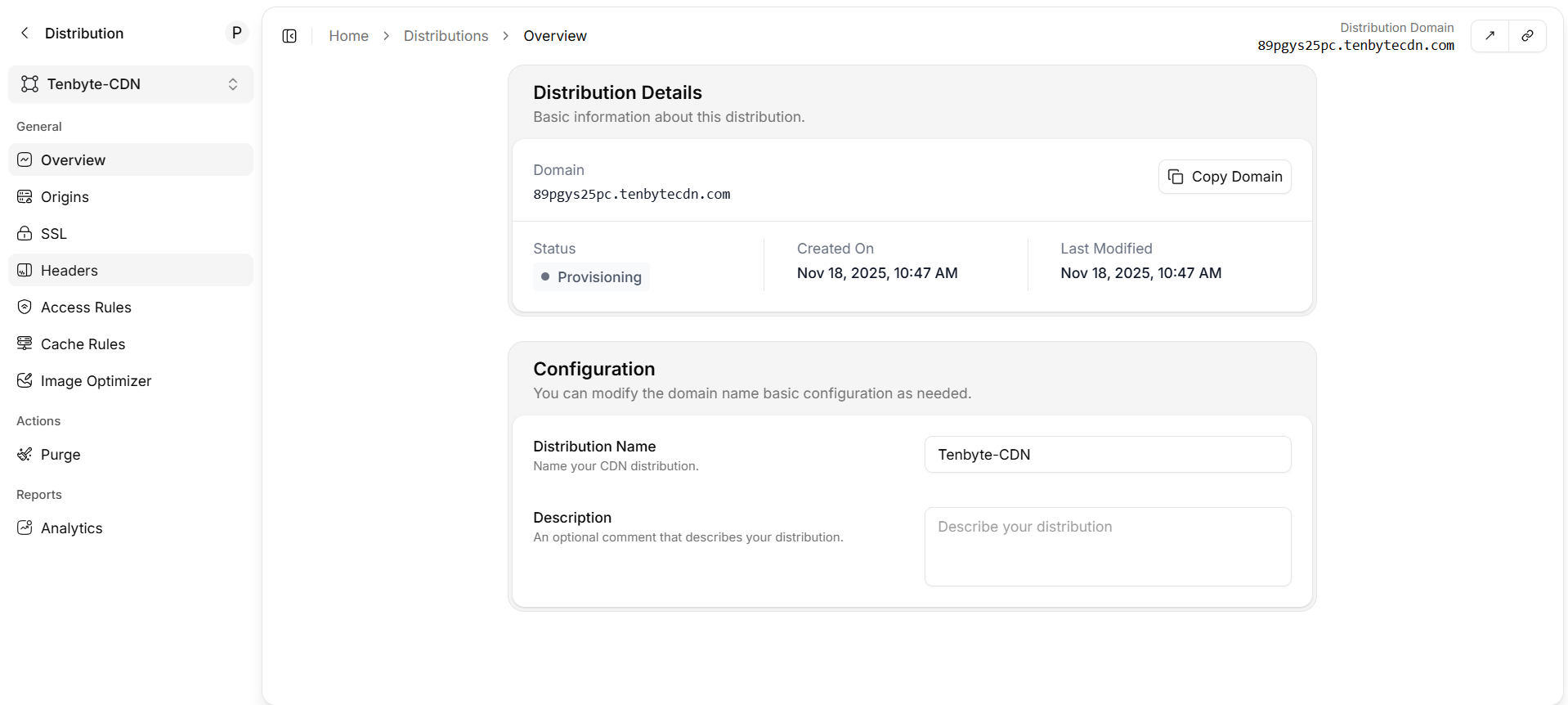
Open the distribution
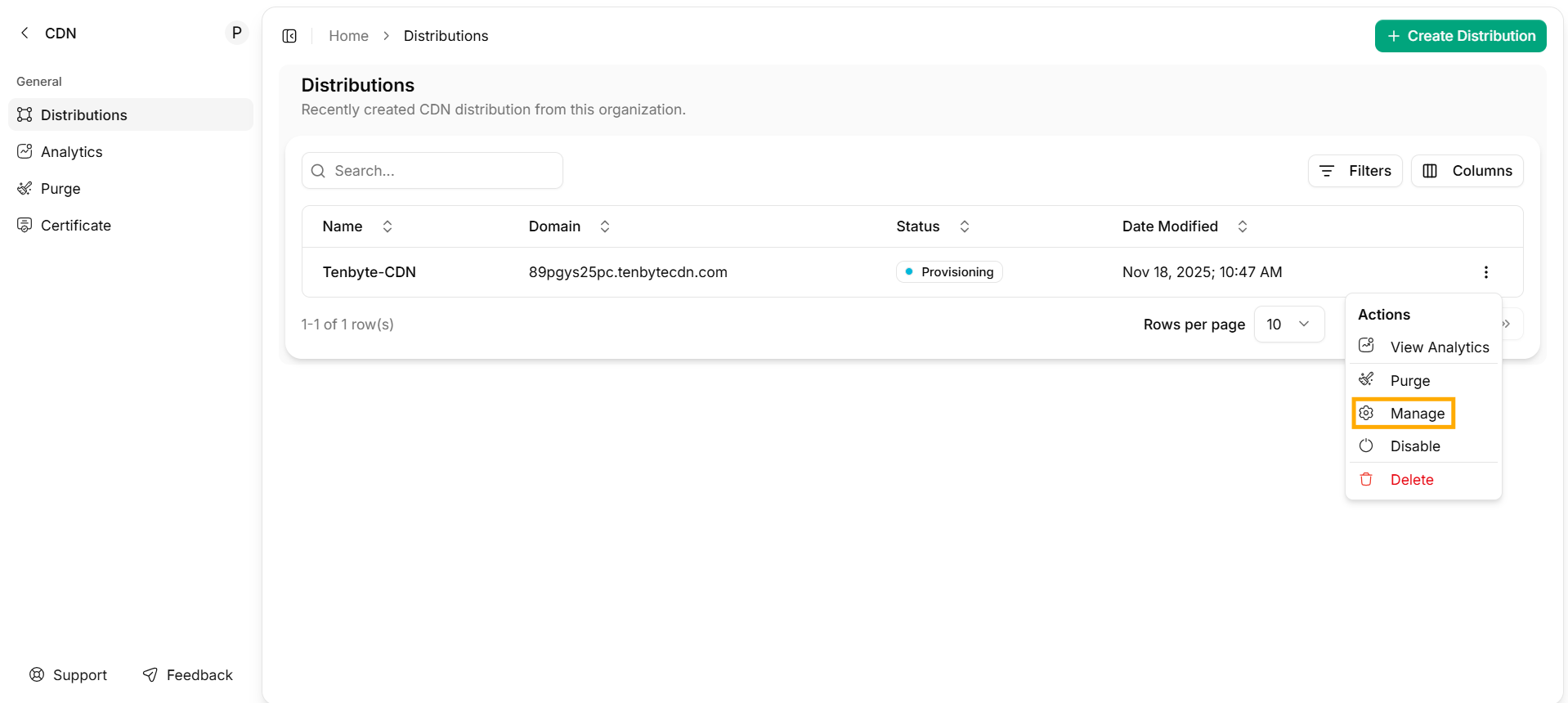
From the CDN workspace, click Action → Manage on the row for your distribution.
Distribution details

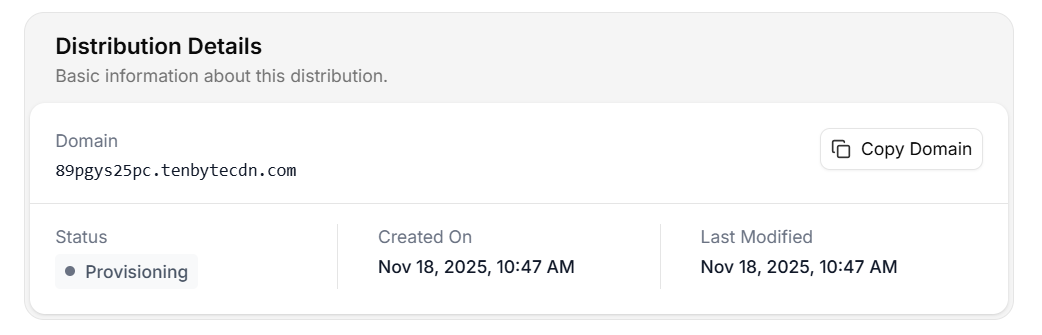
| Field | What it means |
|---|---|
| Domain | The CDN hostname (system-generated or your custom one). Click Copy Domain to copy. |
| Status | Lifecycle state — see the table below. |
| Created On | Distribution creation timestamp. |
| Last Modified | Timestamp of the most recent config change (cache rules, headers, origin, etc.). |
Status values
| Status | Meaning | Action |
|---|---|---|
Provisioning | Edge config is rolling out. | Wait — usually under a minute. Don’t switch DNS yet. |
Deployed | Active everywhere. | Safe to send traffic. |
Updating | A config change is propagating. | Existing traffic is unaffected. |
Disabled | Distribution is paused. | The hostname returns 503 until re-enabled. |
Configuration

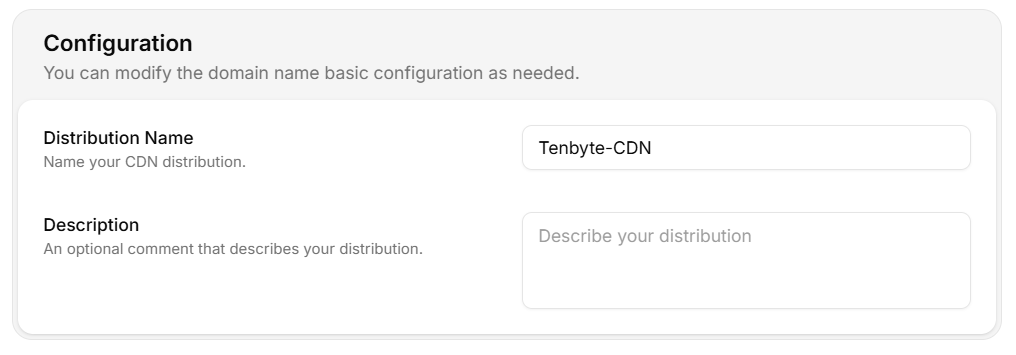
| Field | Notes |
|---|---|
| Distribution Name | Internal label. Changing this does not affect the public hostname. |
| Description | Free-text. Use it for owner / team / runbook links. |
Inspect via API
Deployed.