

Organization Information
-
Here you’ll find the main details tied to your organization.
Organization Information
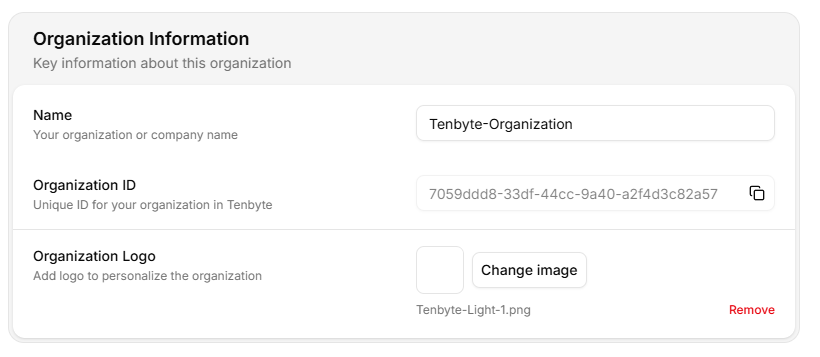
- Name- Update the official name of your organization or team.
- Organization ID- A unique identifier automatically generated for your organization.
- Organization Logo- Upload a logo to help personalize your workspace.
Delete your Organization
-
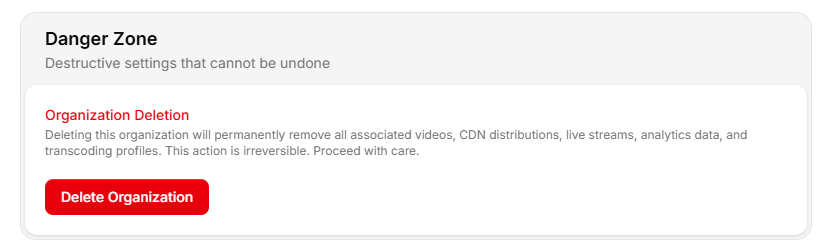
This section deals with actions that are permanent. If you choose to remove the organization, everything linked to it is deleted.
Delete your Organization
-
Deleting your organization permanently removes:
- All videos
- All CDN distributions
- Live streams
- Analytics data
- Transcoding profiles
- All members and permissions
Saving Changes
-
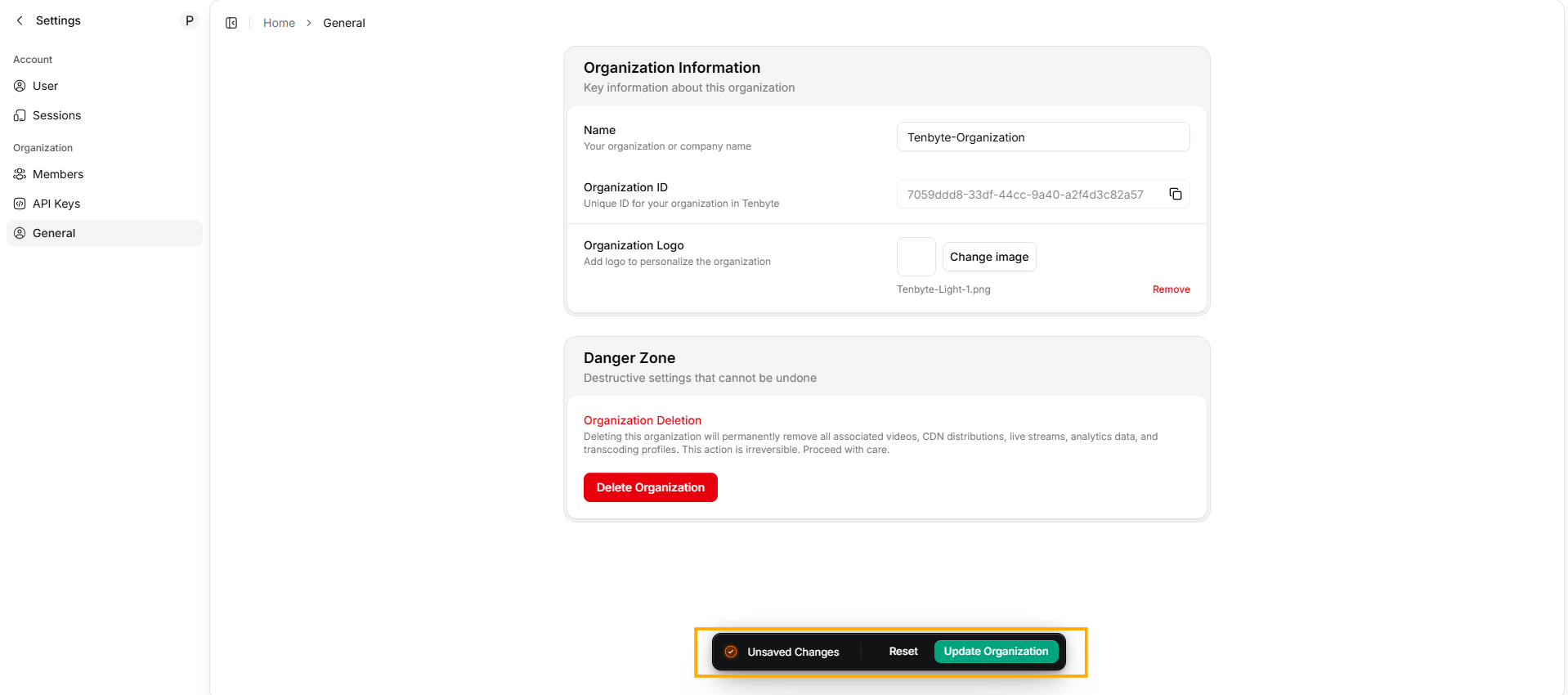
Any time you adjust your organization details, scroll to the bottom of the page and confirm the changes.
Saving Changes
- Click Update Organization to apply your updates.