

Access Your Profile
- From the right side of the dashboard, click on your Account name. A dropdown menu will appear.
-
A dropdown menu will open. Select Profile to move to your profile dashboard.
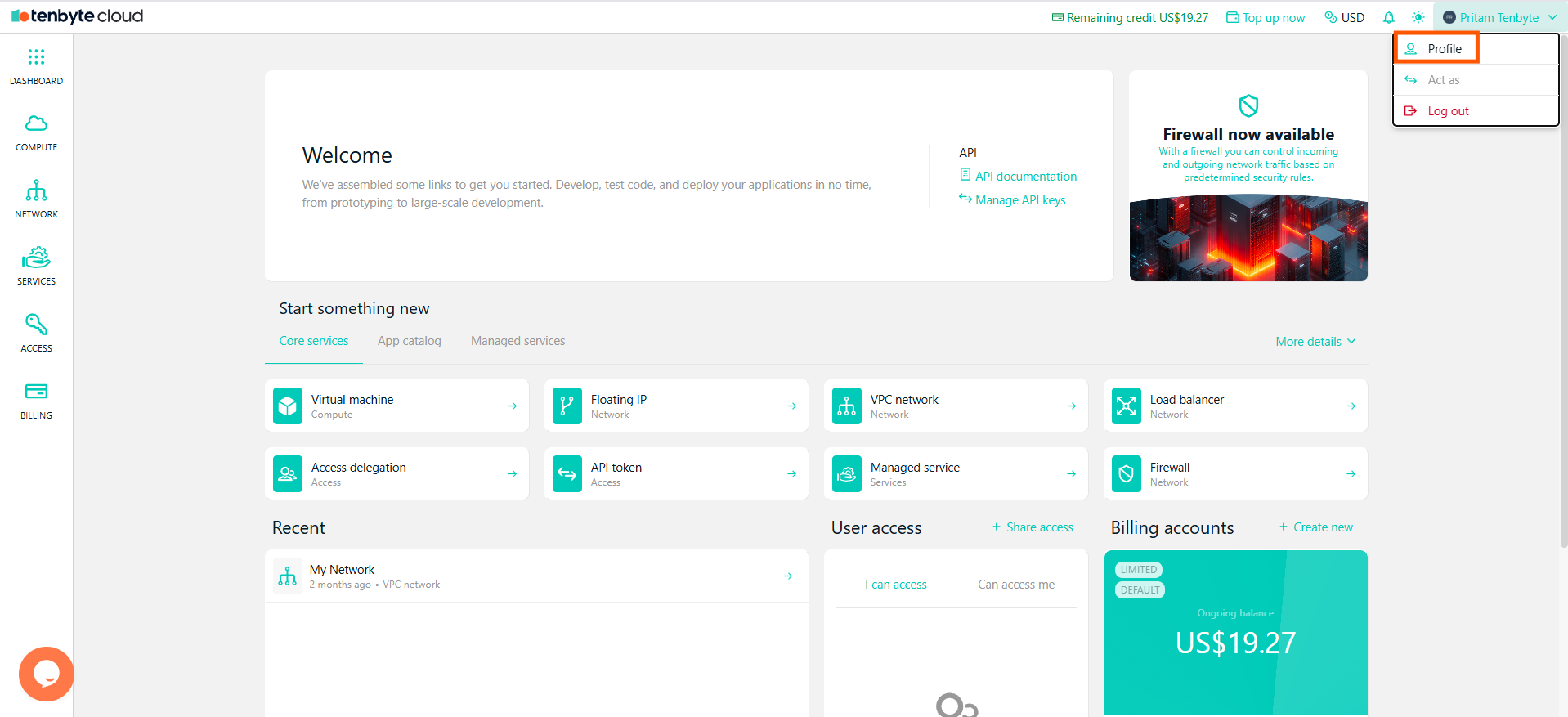
Access your Tenbyte Profile
Edit your Tenbyte Profile
-
From the Profile Dashboard you can configure following things

Edit your Profile
- Name: Your first and last name.
- Email: The email address linked to your Tenbyte Cloud account.
- Password: Option to reset your password.
- Created At: The date and time your account was created.
Delegating New Access
- If someone else needs access to your cloud resources, you can grant permissions directly from this page.
- Click + Delegate new access to add a new user and assign the level of access they should have.
- For a complete guide on how delegation works, visit the Access Delegation page under the Networking and Security section.