

Use this when
- You can’t predict which paths changed (mass content migration, root-level config swap).
- A security incident may have served compromised content from cache.
- You’re decommissioning a distribution and want a clean slate before final teardown.
Cost of a Purge All
Every active path becomes a cache miss simultaneously. Your origin will see a traffic spike — capacity-plan before pulling this trigger.Console flow
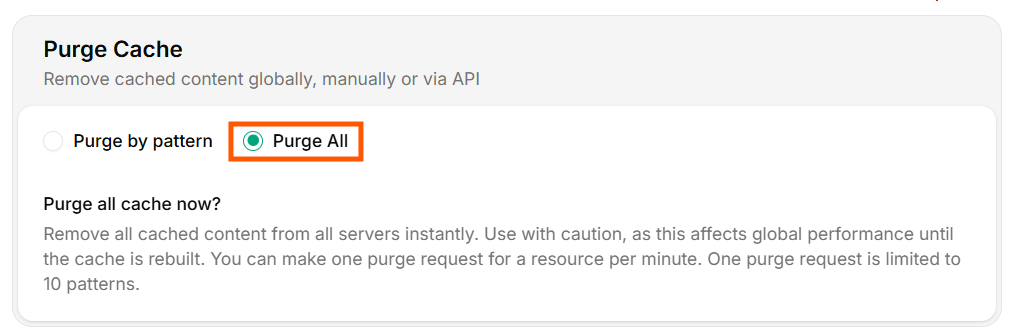
Purge All
- Open the distribution → Purge tab.
- Pick Purge All.
- Click Purge.
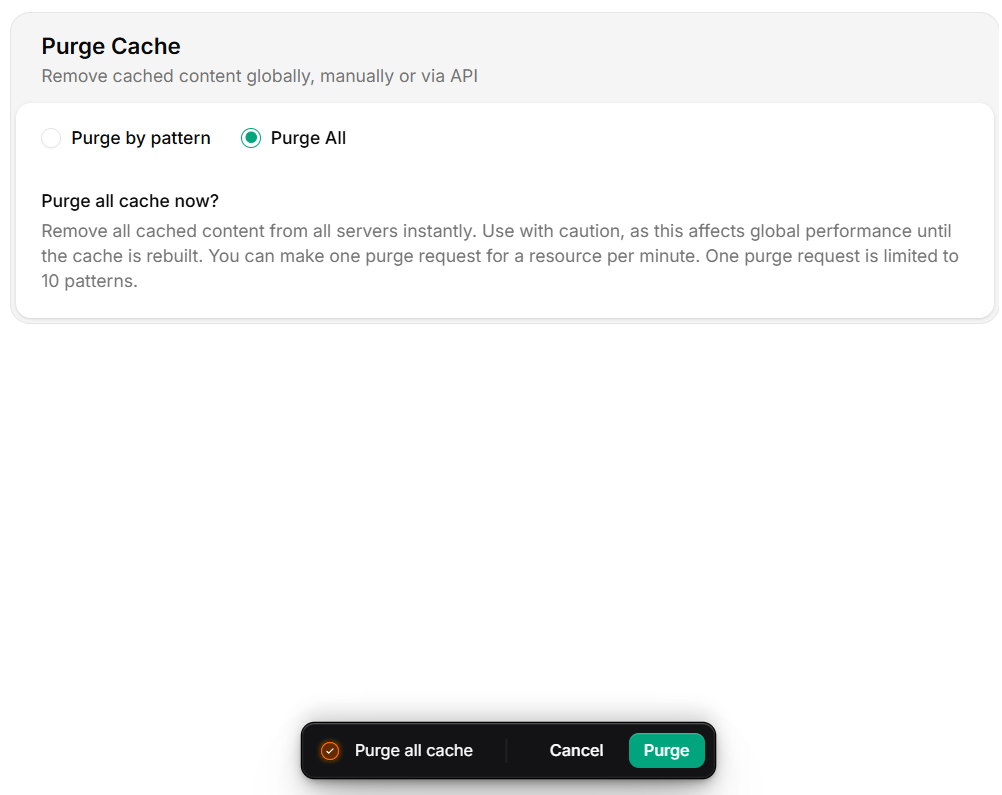
Execute Purge All
Purge via API
Pre-flight checklist
- Origin can absorb a cold-start traffic spike (autoscale ready or capacity proven).
- No live deploy in progress.
- Stakeholders notified (#oncall, #web-platform).
- Confirmed pattern purge cannot solve the problem.
- Have a rollback plan if origin fails to handle the spike.
Verify
Recovery
- Watch Cache hit ratio — it nosedives immediately, recovers as paths warm.
- Watch origin error rate. If origin starts to fail, throttle traffic at your edge or scale up.
- Don’t trigger another purge while recovery is in flight.