

When to use this
- After a deploy that changes specific paths (
/static/main.js,/api/v1/*). - After fixing a content bug that’s already cached.
- When TTL is too long for the asset you just updated.
How patterns work
The first request after a purge is aMISS. Plan your purge timing so the resulting origin spike is acceptable.
Pattern rules
- Must start with
/. *is a wildcard matching one or more characters.- Up to 10 patterns per purge request.
Console flow
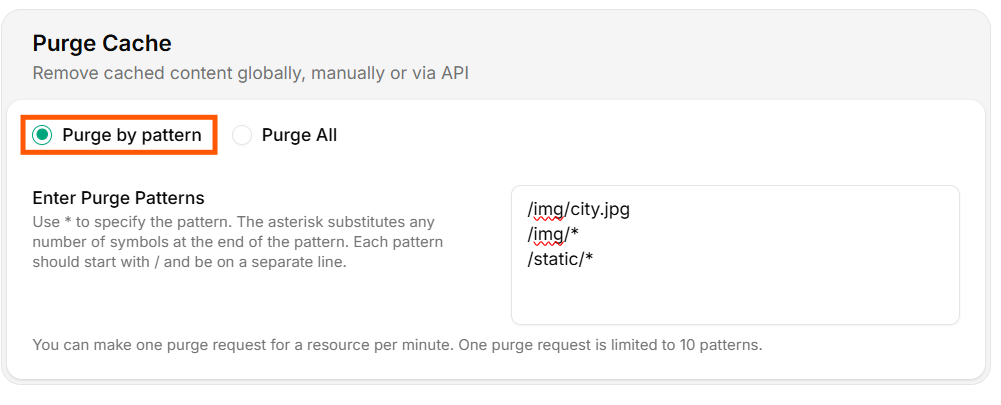
Purge by Pattern
- Enter one pattern per line in the input box.
- Click Purge to dispatch.
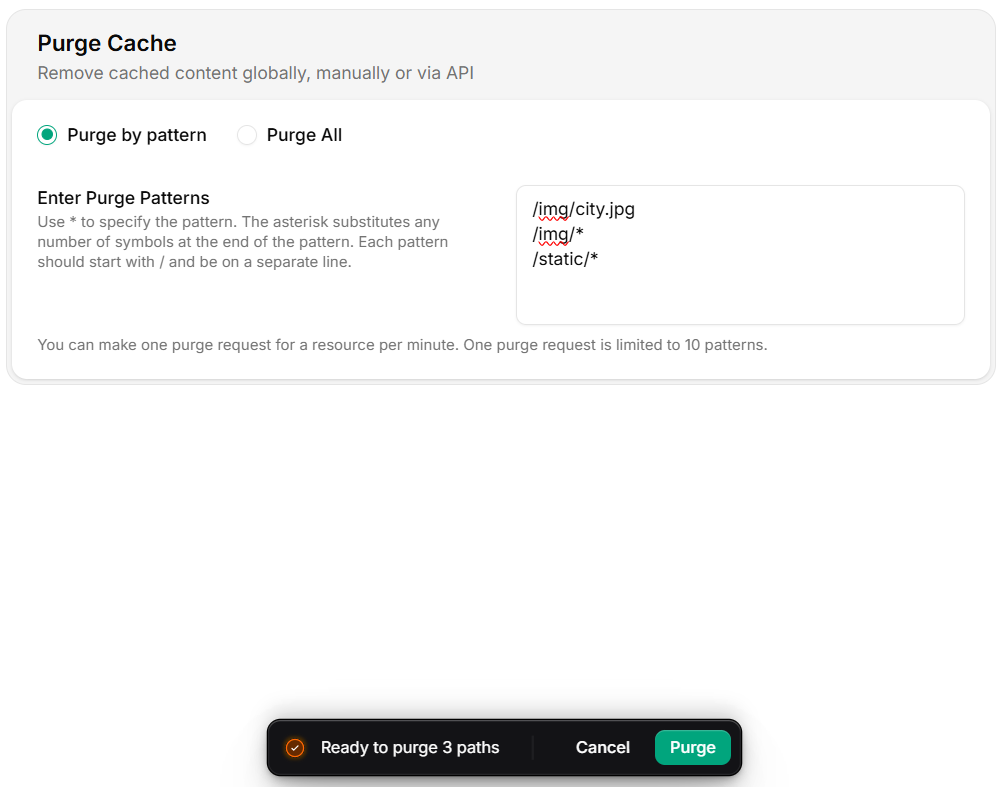
Execute Purge
Purge via API
CI/CD integration
GitHub Actions
Shell helper
Verify the purge
Operational tips
- Purge before flipping traffic. For blue/green deploys, purge the green hostname after the new build is live, not before.
- Use exact paths over wildcards.
/static/main.abc123.jsinvalidates one object;/static/*invalidates everything and risks an origin spike. - Avoid frequent global purges. Each purge is a coordinated edge-wide operation. Hashed asset URLs make most purges unnecessary.
- Monitor origin after a wide purge. Watch Cache hit ratio — it dips immediately, then recovers as the cache rewarms.
Limits and quotas
- Up to 10 patterns per request.
- Purges are async;
completedstatus typically lands within seconds, sometimes up to a minute under heavy load. - Bulk purges (>1000/day) should batch and back off on
429.