

How it works
The query string is part of the cache key, so each variant is cached independently after the first miss.Enable Image Optimizer
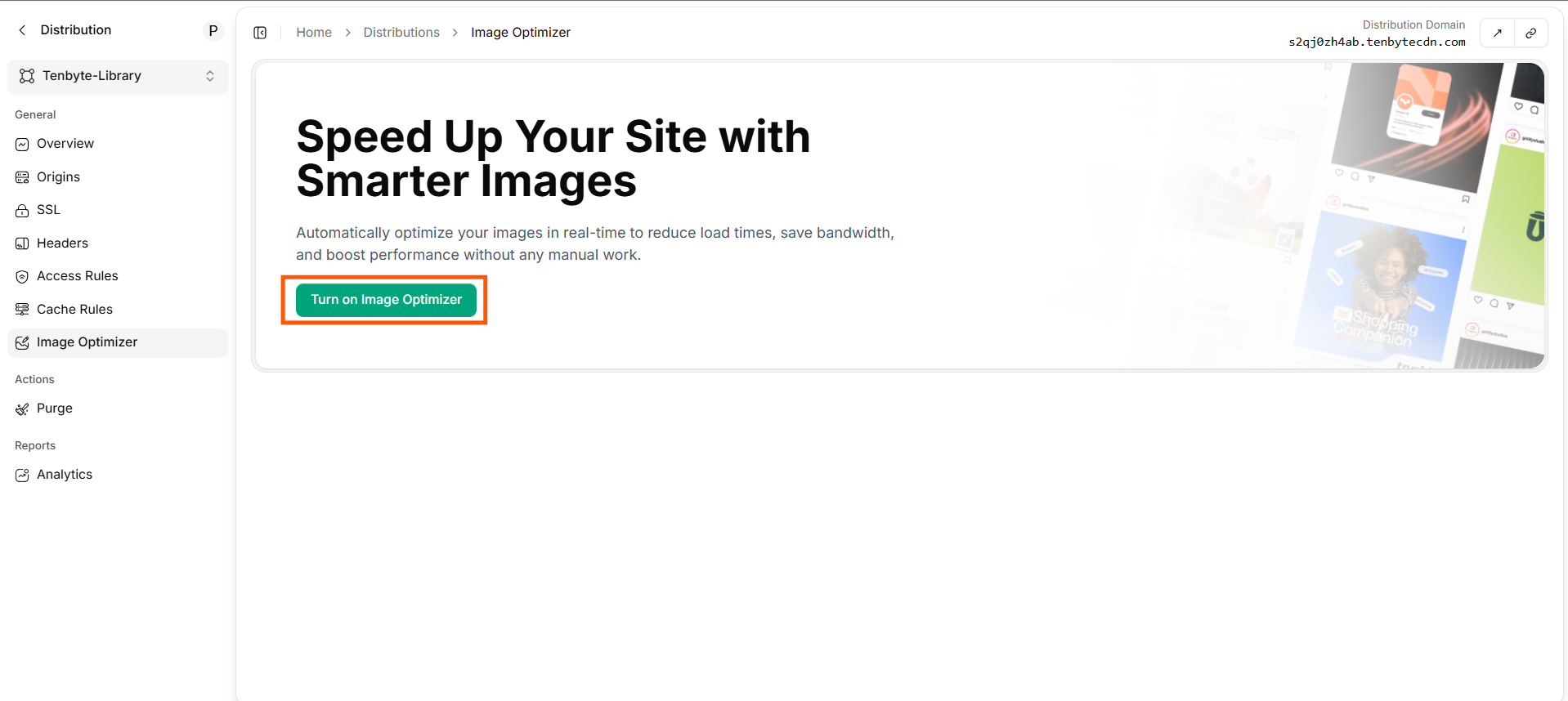
Turn on Image Optimizer
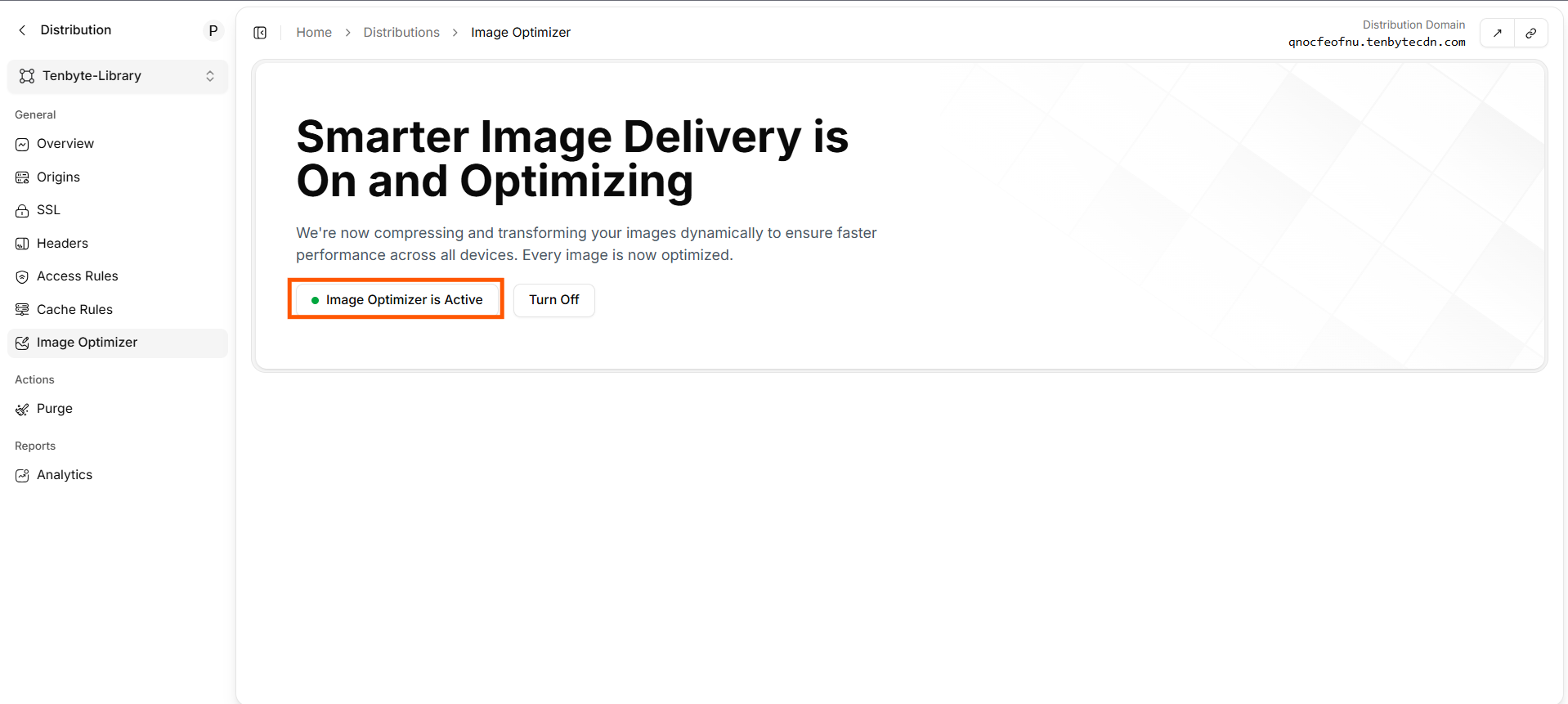
Image Optimizer in Action
URL-based transforms
Append query parameters to any image URL.
Combine freely:
format=auto picks WebP / AVIF based on Accept header; falls back to the original.
Recipes
Responsive image
Avatar thumbnail
High-DPI screen
Verify a transform
Framework integration
Drop straight into your front-end framework. Per-framework guides:Turn off
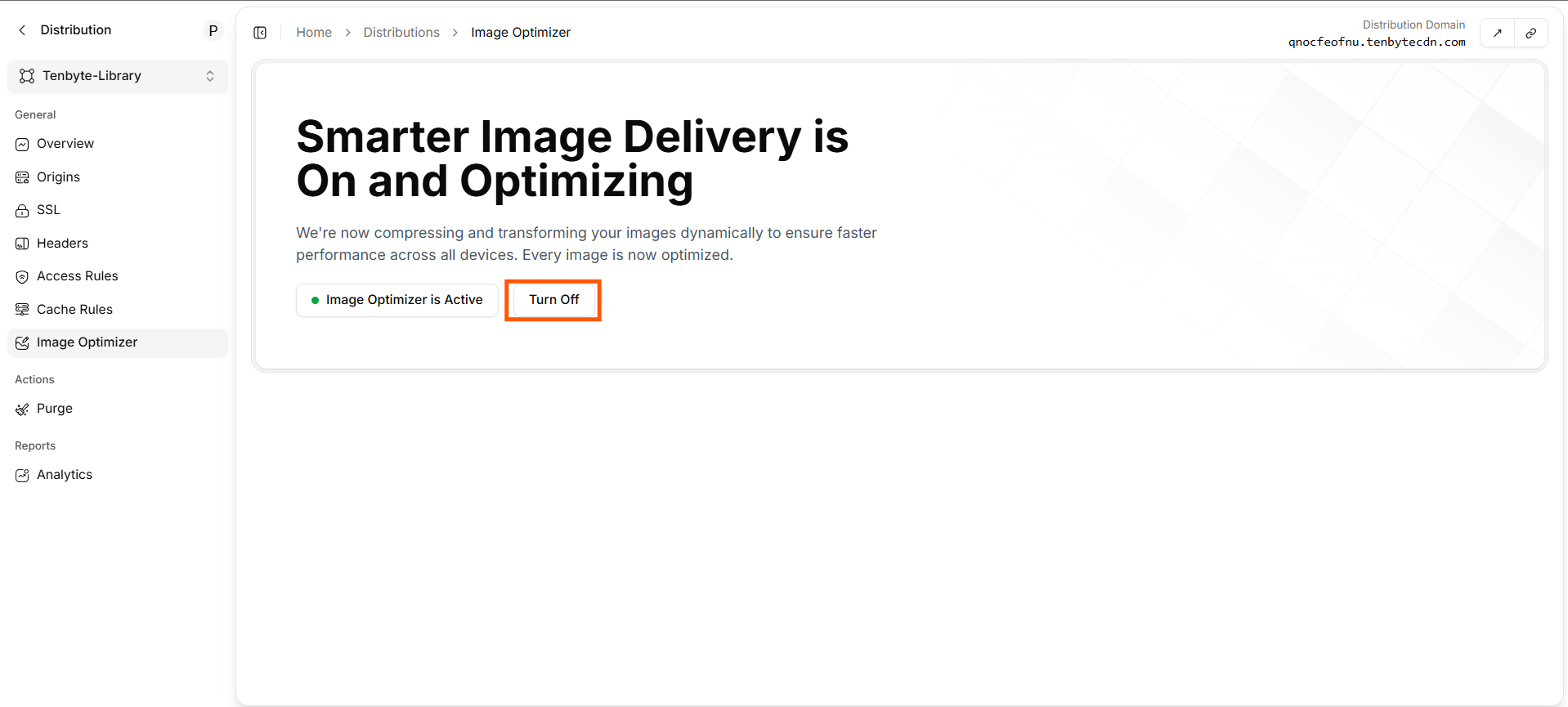
Turn off Image Optimizer
/photos/* to flush them immediately.
Operational tips
- Master in a high-quality format — JPEG quality 90 or PNG. Let the optimizer downscale; never upscale.
format=autoeverywhere — covers AVIF-capable Chrome, WebP for everything else, JPEG for old Safari.- Cap
width— limit the transform to widths you actually use (sizes attribute). Otherwise attackers can hammer the edge with?width=Nfor every N. - Watch the cache. Each
(width, height, format, quality, dpr, fit)tuple is a separate object. Define a small set in your component layer. - Pair with cache rules — long TTLs on
/photos/*since transforms are deterministic per query.