

Requests Served Statistics
What it tells you
- Total request volume in the selected window.
- How that compares to the previous period.
- Hourly / daily distribution — peaks, troughs, anomalies.
How to read the chart
Pull via API
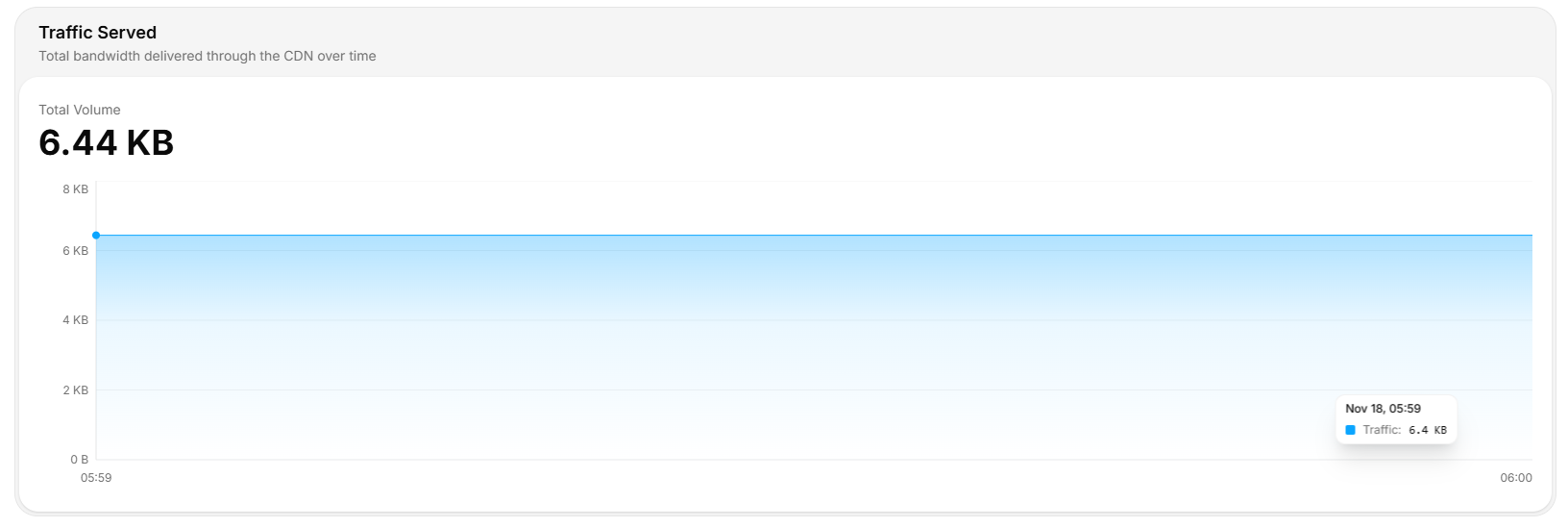
Requests vs traffic
A high request count with low traffic means tiny payloads (API JSON, manifests). A high traffic with low requests means big objects (video, downloads). Watch both ratios.Spot abuse
Sudden request spikes without a corresponding traffic spike usually mean:- Bot scraping — same small object hit thousands of times.
- Cache busting — random query strings forcing every request to be unique.
- Probing —
404flood from a vulnerability scanner.
Operational tips
- Group by path. The top 10 paths by request count usually drive the bulk of origin traffic.
- Watch off-hours. Sustained traffic at 03:00 local is rarely human.
- Combine with cache-hit ratio. High request count + low HIT% = origin pain. Tune cache rules.
- Alert on rate change, not raw totals — easier to write portable thresholds.