

Current Sessions
-
This section shows the device you are currently using to access your Tenbyte account.
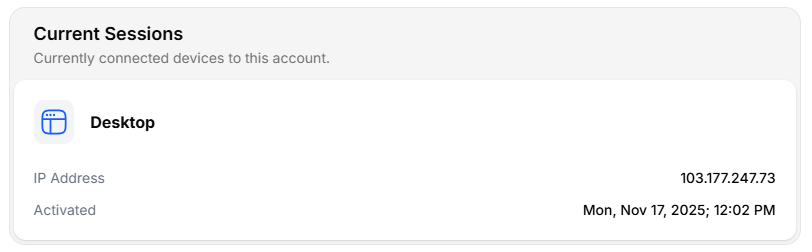
Current Sessions
- Device Type (e.g., Desktop)
- IP Address
- Activation Time (when the session started)
Other Sessions
The Other Sessions section lists all additional devices that are signed in to your account.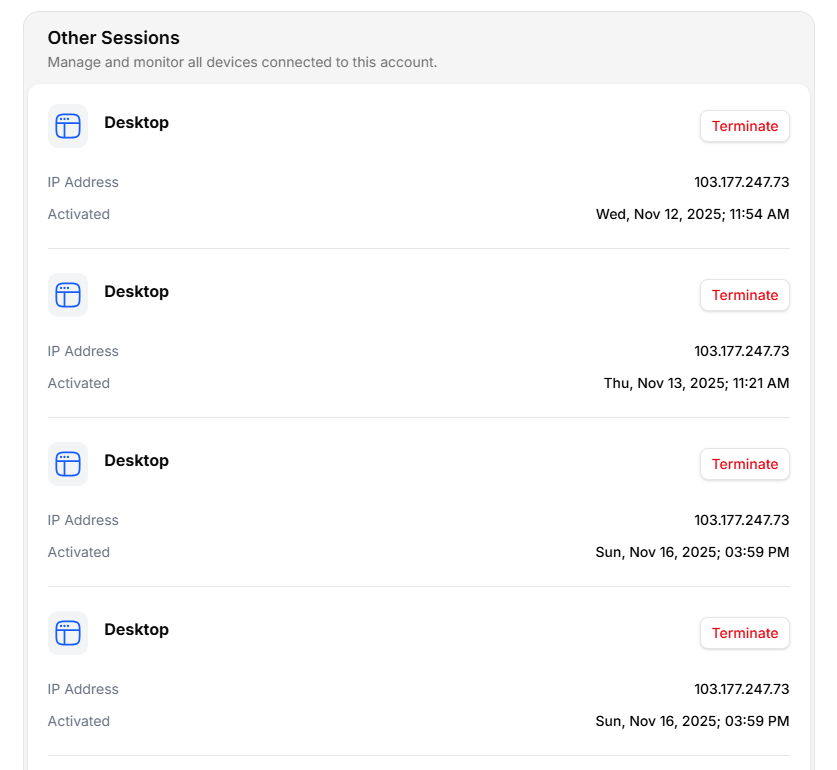
Other Sessions
- Device name
- IP address
- Last active timestamp
- Terminate button
Ending a Session
To remove a session find the session under Other Sessions and click Terminate. The device will be logged out instantly.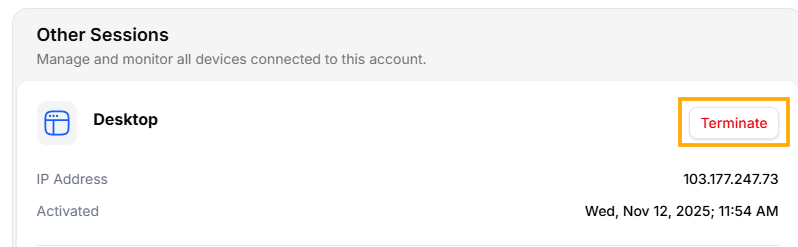
Terminate a Sessions