

What you need
Before you start, make sure you have access to the following:- An email address that can receive messages
- A password you want to use
- The verification code sent to your inbox
Sign up for a account
-
To sign up for Tenbyte services, go to the Tenbyte website and select Get Started on the Tenbyte home page
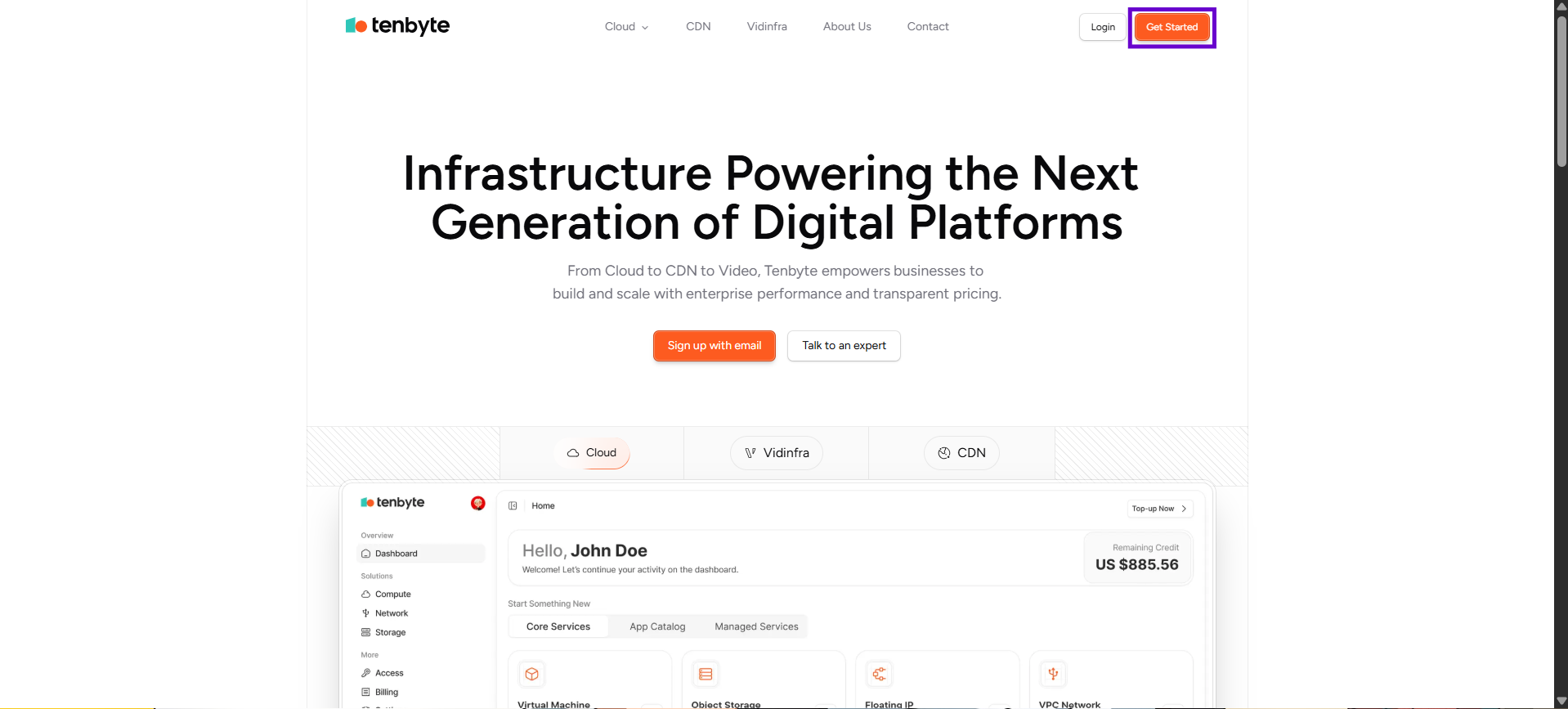
Get Started from Tenbyte
- Click Sign-up to create your account. A new page will open.
- Enter Your Name: Provide your first name and last name so your account can be personalized.
- Add Your Email Address: Enter a valid email address.
-
Create a Password: Set a secure password that meets the following requirements:
- At least 8 characters long
- Includes one uppercase letter
- Includes one special character
-
Once all fields are filled, click Continue to create your account and move to the next step.
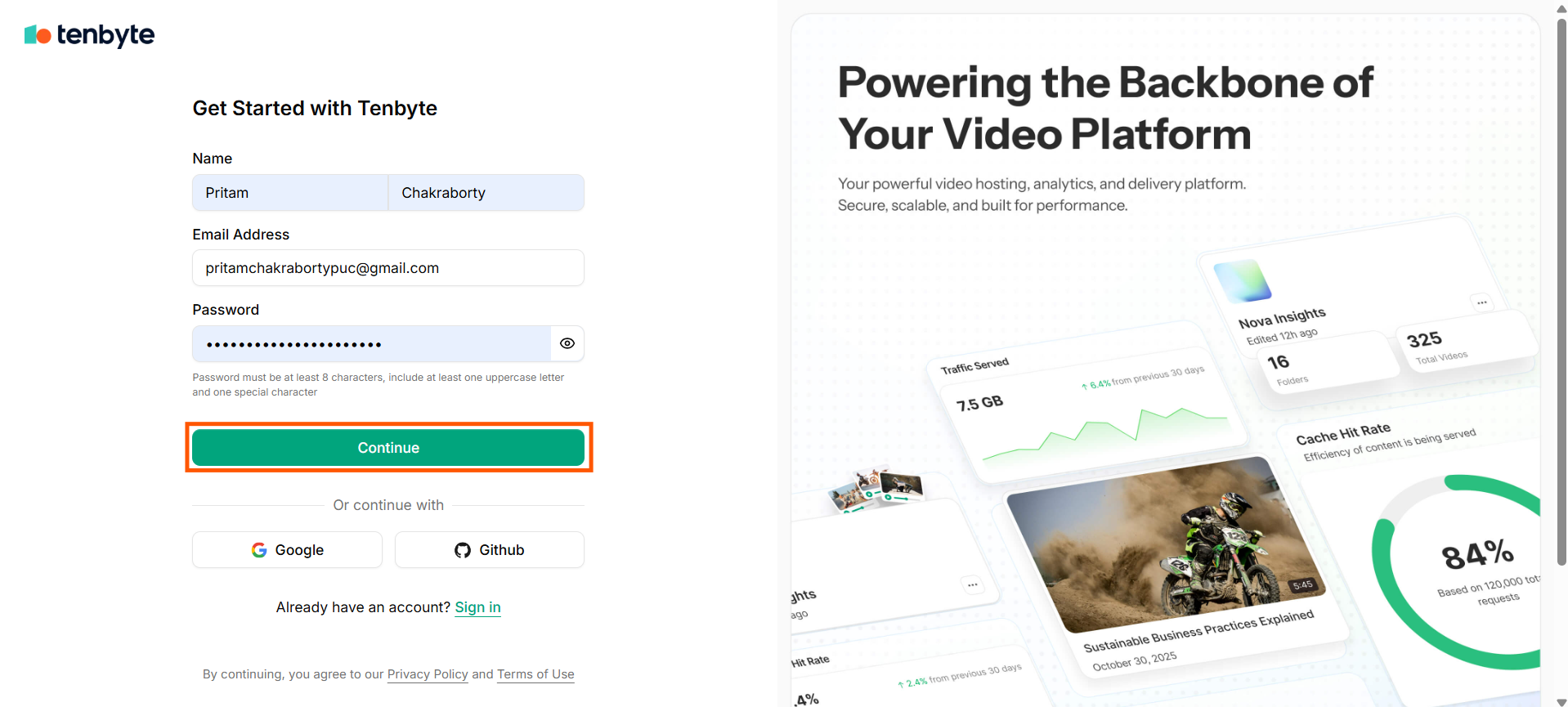
Tenbyte Sign-up Page
- A one-time password (OTP) will be delivered to your email so you can verify your account.
-
Once you have confirmed your otp, you will be able to access your Tenbyte dashboard.
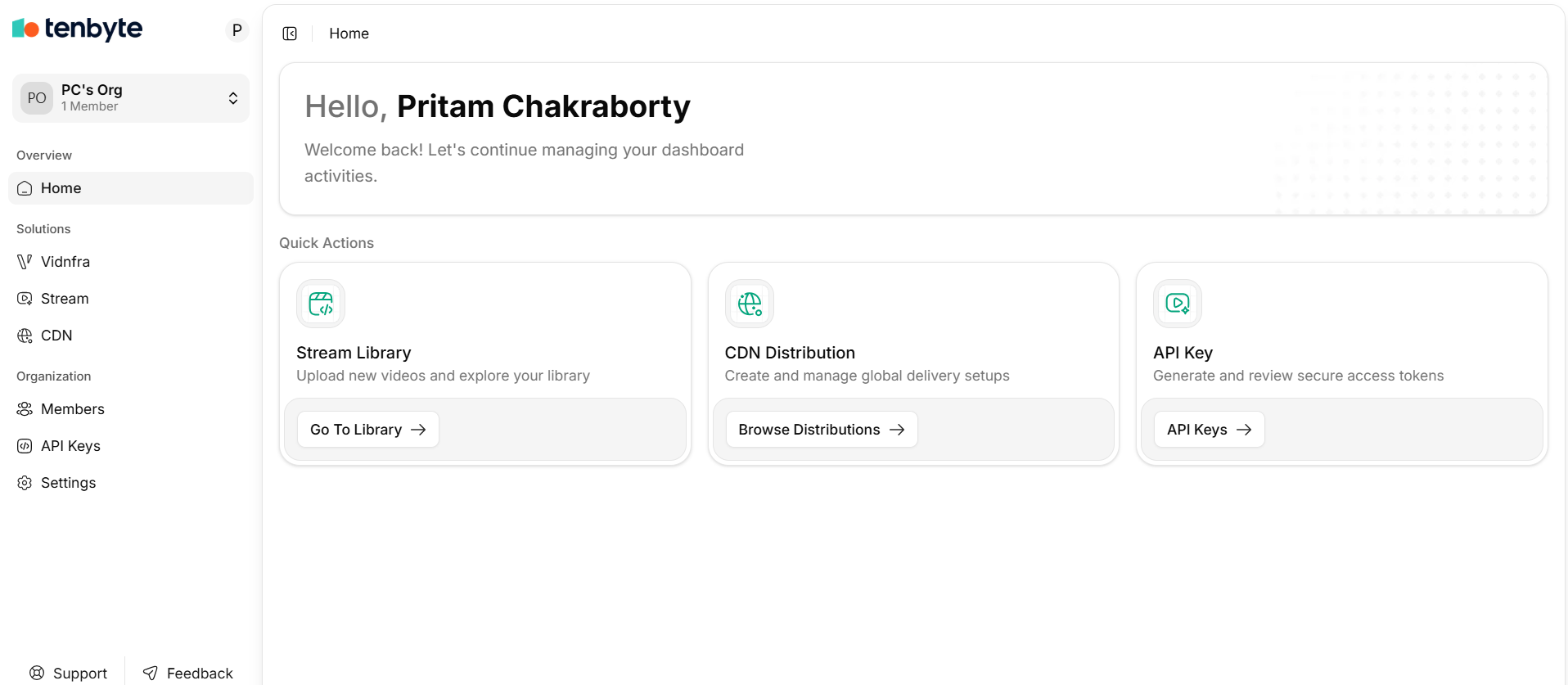
Tenbyte Dashboard
Use Social Sign-Up
If you prefer a faster setup, you can sign up using:- GitHub