

Allow by Default
All websites can access your video unless you add blocked domains.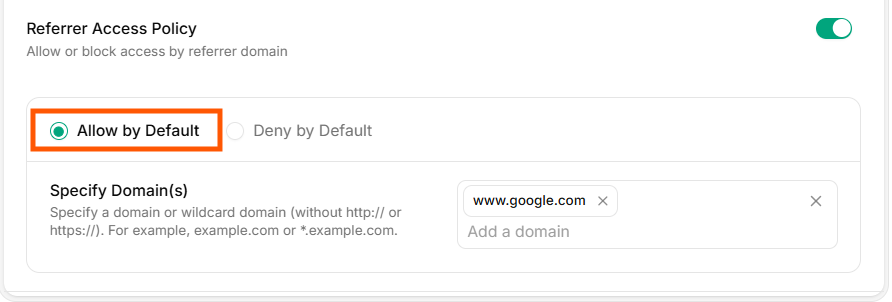
Allow by Default
Deny by Default
All websites are blocked unless you add allowed domains.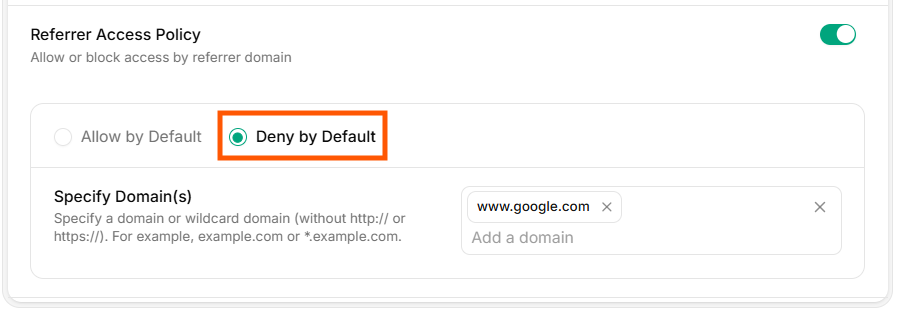
Deny by Default
Domain Restrictions
Add the domains that should be allowed or blocked based on your chosen rule. Use the same list field for either mode. Examplesexample.comapp.example.com
Only the specified domains will be permitted according to your policy settings.
Verify access
- Test playback on an allowed domain (should succeed).
- Test playback on a non-allowed domain (should be blocked based on your default rule).