> ## Documentation Index
> Fetch the complete documentation index at: https://docs.tenbyte.io/llms.txt
> Use this file to discover all available pages before exploring further.
# Organization Settings
Manage core organization information including workspace name, logo customization, and the unique organization ID used across the Tenbyte platform.
## Organization Information
* Here you’ll find the main details tied to your organization.
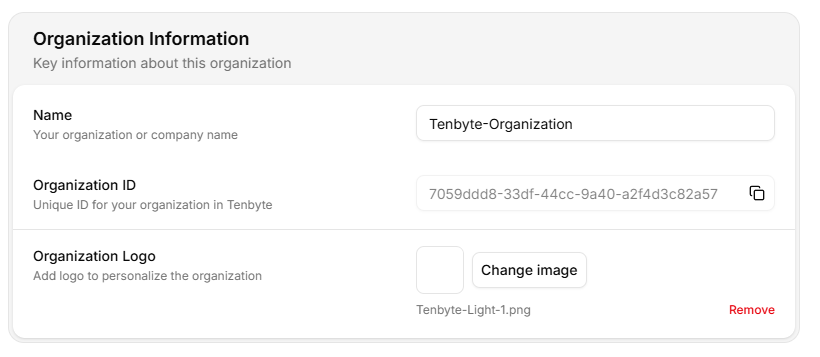 * **Name**- Update the official name of your organization or team.
* **Organization ID**- A unique identifier automatically generated for your organization.
You can copy it with a single click.
* **Organization Logo**- Upload a logo to help personalize your workspace.
***
## Delete your Organization
* This section deals with actions that are permanent. If you choose to remove the organization, everything linked to it is deleted.
* **Name**- Update the official name of your organization or team.
* **Organization ID**- A unique identifier automatically generated for your organization.
You can copy it with a single click.
* **Organization Logo**- Upload a logo to help personalize your workspace.
***
## Delete your Organization
* This section deals with actions that are permanent. If you choose to remove the organization, everything linked to it is deleted.
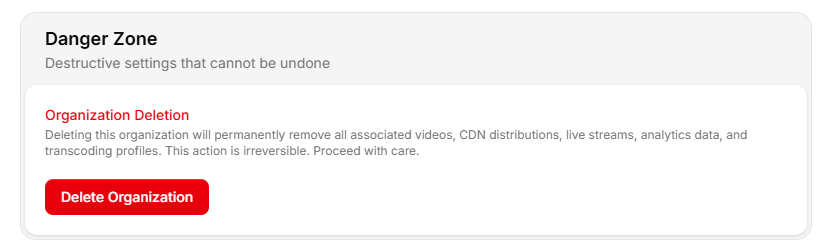 * Deleting your organization permanently removes:
* All videos
* All CDN distributions
* Live streams
* Analytics data
* Transcoding profiles
* All members and permissions
Only use this option if you are fully sure you no longer need anything stored or configured in this workspace.
***
## Saving Changes
* Any time you adjust your organization details, scroll to the bottom of the page and confirm the changes.
* Deleting your organization permanently removes:
* All videos
* All CDN distributions
* Live streams
* Analytics data
* Transcoding profiles
* All members and permissions
Only use this option if you are fully sure you no longer need anything stored or configured in this workspace.
***
## Saving Changes
* Any time you adjust your organization details, scroll to the bottom of the page and confirm the changes.
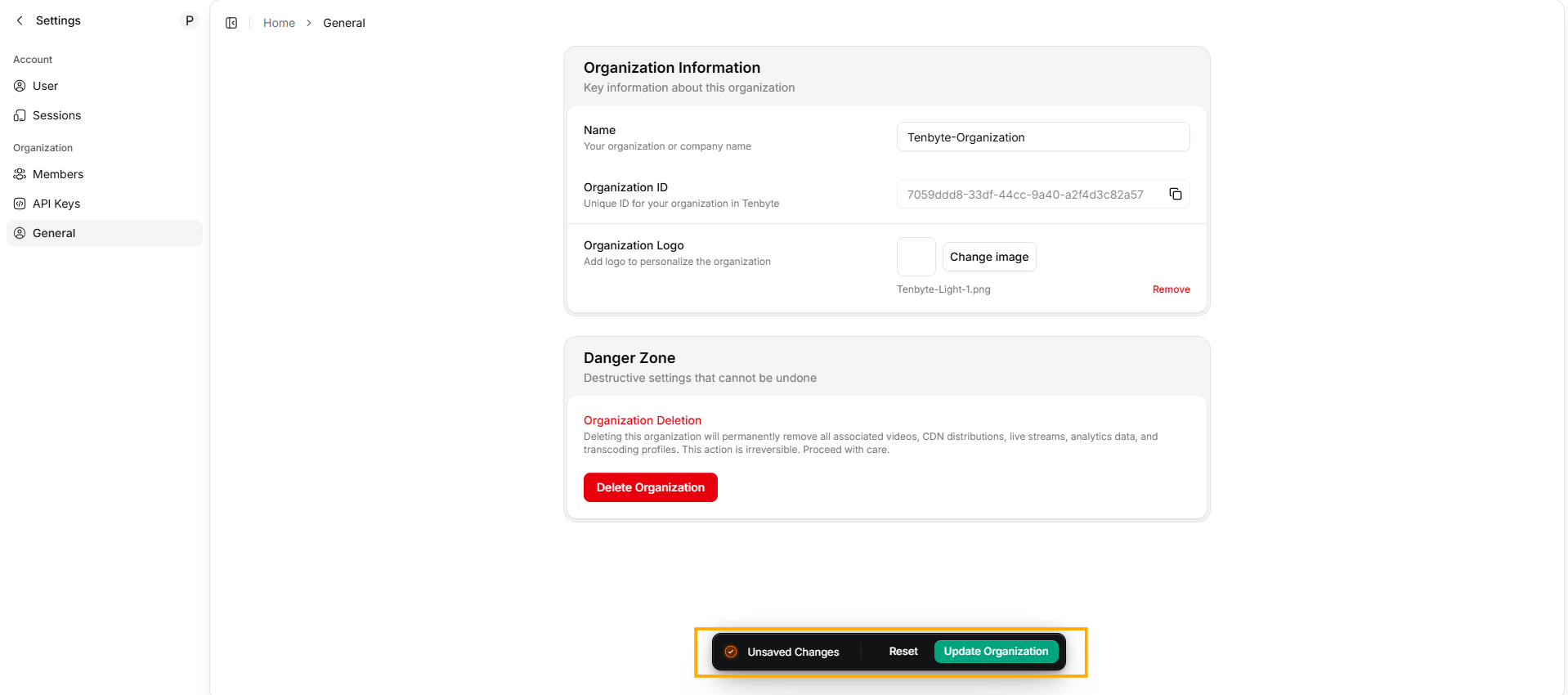 * Click **Update Organization** to apply your updates.
Keeping your organization information up to date ensures your workspace remains clear, accurate, and easy for your team to work with.
* Click **Update Organization** to apply your updates.
Keeping your organization information up to date ensures your workspace remains clear, accurate, and easy for your team to work with.