> ## Documentation Index
> Fetch the complete documentation index at: https://docs.tenbyte.io/llms.txt
> Use this file to discover all available pages before exploring further.
# Session Management
Monitor active login sessions, review connected devices, and terminate unauthorized access to protect your Tenbyte account security.
## Current Sessions
* This section shows the device you are currently using to access your Tenbyte account.
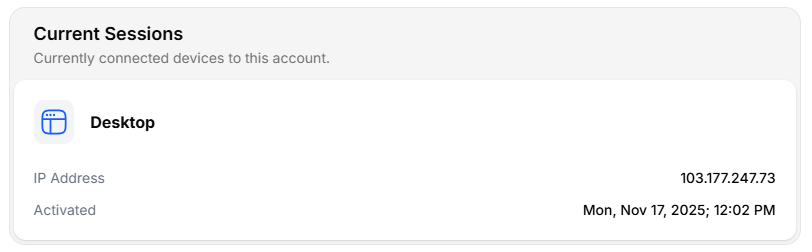 For each active session, you will see:
1. Device Type (e.g., Desktop)
2. IP Address
3. Activation Time (when the session started)
This helps you confirm that the current login session is valid and expected.
***
## Other Sessions
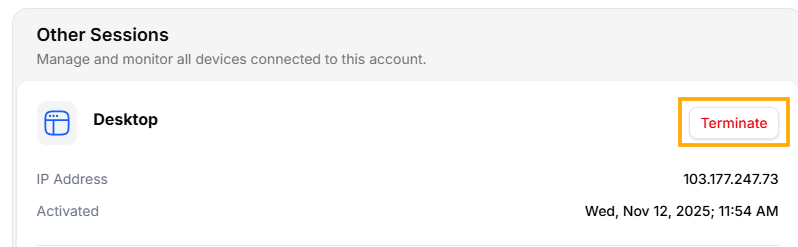
The **Other Sessions** section lists all additional devices that are signed in to your account.
For each active session, you will see:
1. Device Type (e.g., Desktop)
2. IP Address
3. Activation Time (when the session started)
This helps you confirm that the current login session is valid and expected.
***
## Other Sessions
The **Other Sessions** section lists all additional devices that are signed in to your account.
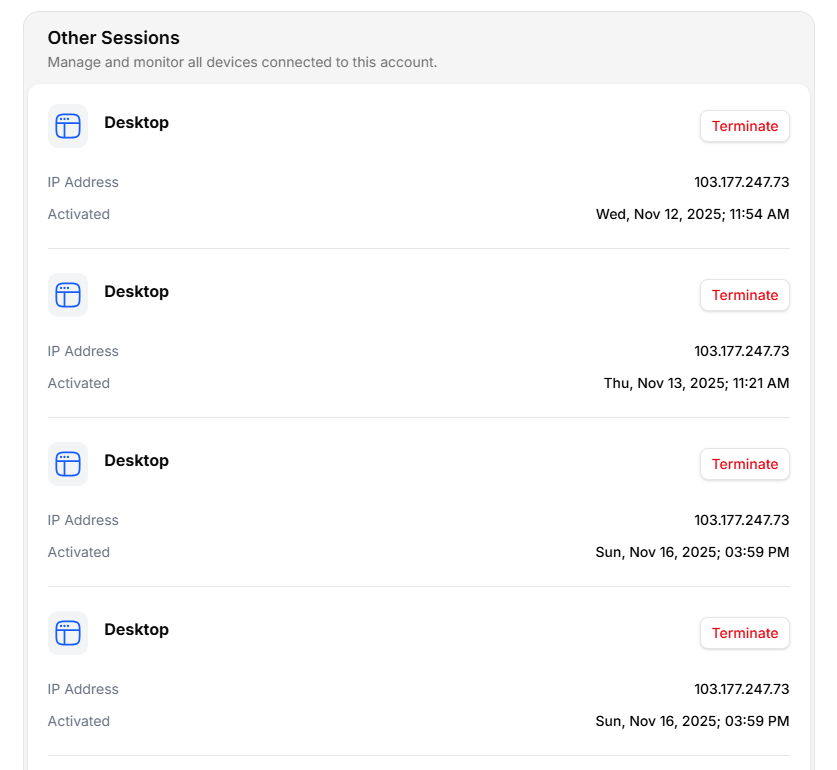 Each entry displays:
1. Device name
2. IP address
3. Last active timestamp
4. Terminate button
If you see a session you don’t recognize, you can **click Terminate** to immediately revoke access for that device.
***
## Ending a Session
To **remove a session** find the session under **Other Sessions** and click **Terminate**. The device will be logged out instantly.
Each entry displays:
1. Device name
2. IP address
3. Last active timestamp
4. Terminate button
If you see a session you don’t recognize, you can **click Terminate** to immediately revoke access for that device.
***
## Ending a Session
To **remove a session** find the session under **Other Sessions** and click **Terminate**. The device will be logged out instantly.