> ## Documentation Index
> Fetch the complete documentation index at: https://docs.tenbyte.io/llms.txt
> Use this file to discover all available pages before exploring further.
# Create Your Tenbyte Account
This page walks you through creating a **Tenbyte account**, giving you access to the dashboard and core services. The setup is simple and requires only basic information to get started.
## What you need
Before you start, make sure you have access to the following:
* An email address that can receive messages
* A password you want to use
* The verification code sent to your inbox
Completing these steps is enough to open the dashboard for the first time.
***
## Sign up for a account
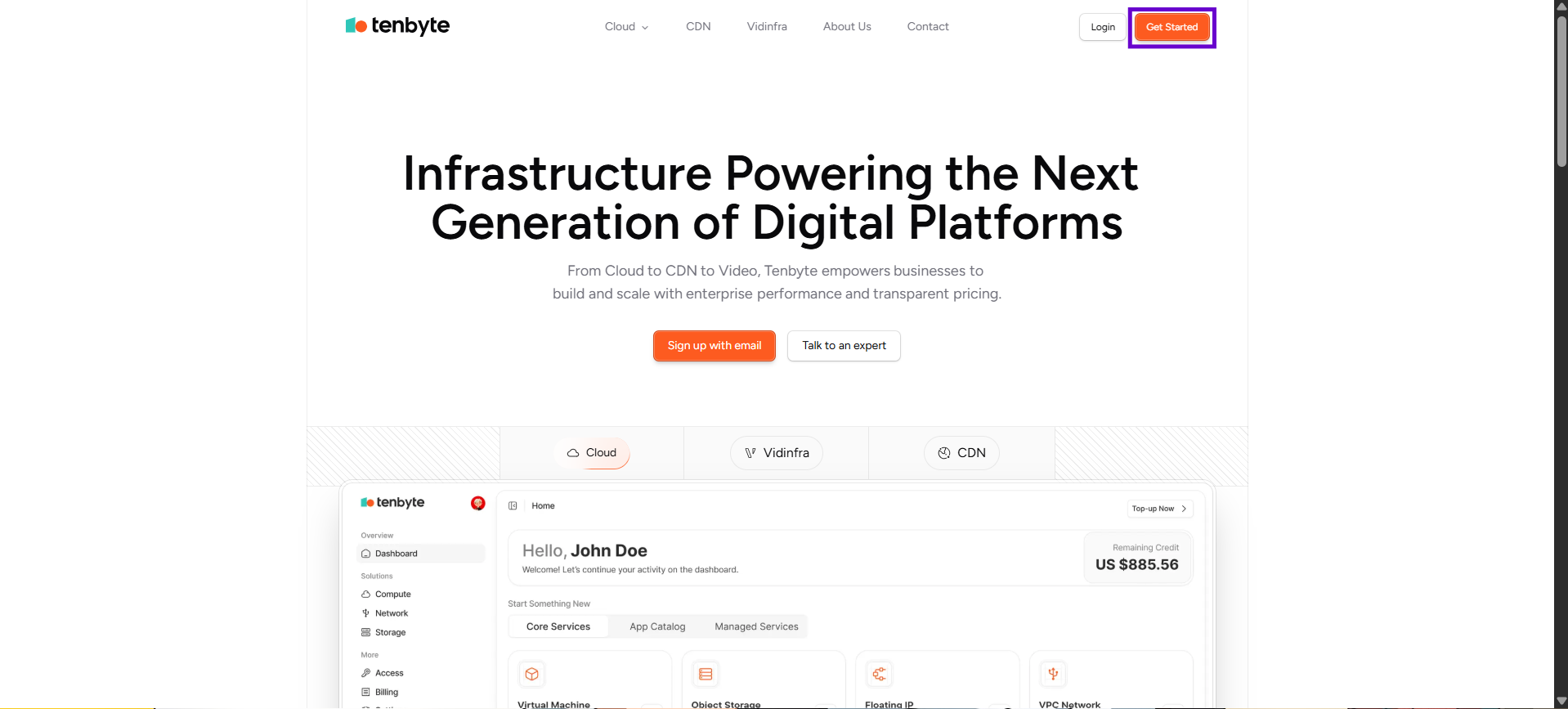
* To sign up for Tenbyte services, go to the Tenbyte website and select **Get Started** on the Tenbyte [**home page**](https://beta.tenbyte.io/)
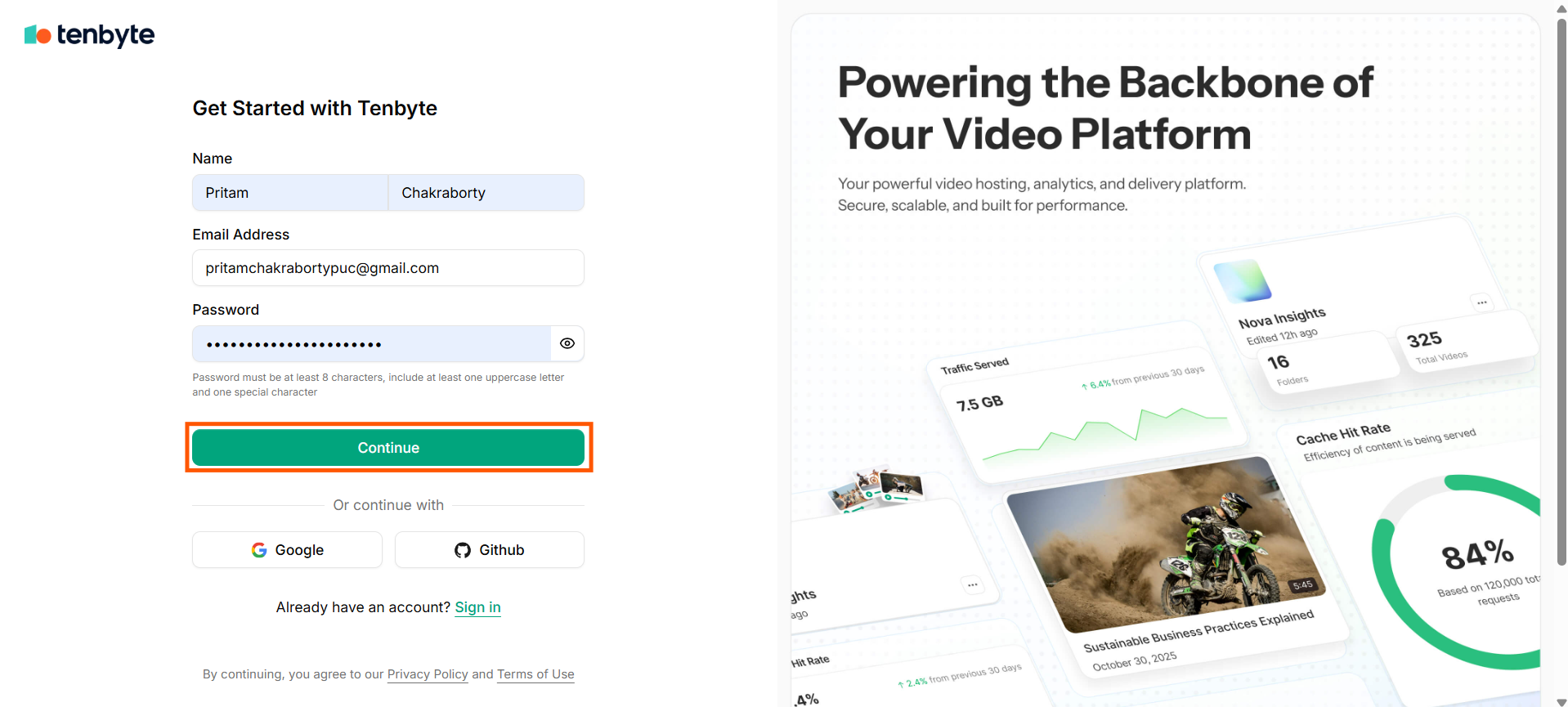
 * Click **Sign-up** to create your account. A new page will open.
* **Enter Your Name**: Provide your first name and last name so your account can be personalized.
* **Add Your Email Address**: Enter a valid email address.
* **Create a Password**: Set a secure password that meets the following requirements:
* At least 8 characters long
* Includes one uppercase letter
* Includes one special character
* Once all fields are filled, click **Continue** to create your account and move to the next step.
* Click **Sign-up** to create your account. A new page will open.
* **Enter Your Name**: Provide your first name and last name so your account can be personalized.
* **Add Your Email Address**: Enter a valid email address.
* **Create a Password**: Set a secure password that meets the following requirements:
* At least 8 characters long
* Includes one uppercase letter
* Includes one special character
* Once all fields are filled, click **Continue** to create your account and move to the next step.
 * A **one-time password (OTP)** will be delivered to your email so you can verify your account.
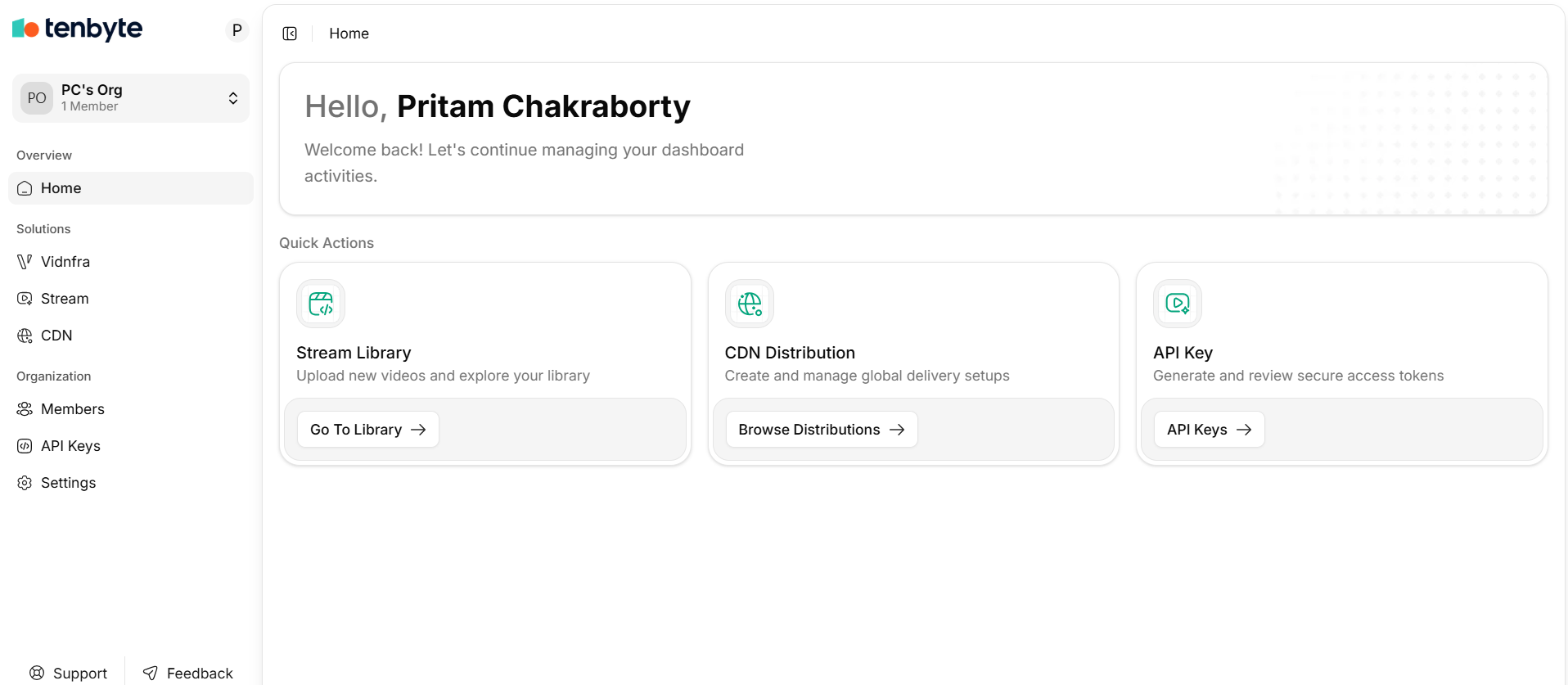
* Once you have confirmed your otp, you will be able to access your **Tenbyte dashboard**.
* A **one-time password (OTP)** will be delivered to your email so you can verify your account.
* Once you have confirmed your otp, you will be able to access your **Tenbyte dashboard**.
 ***
## Use Social Sign-Up
If you prefer a faster setup, you can sign up using:
1. Google
2. GitHub
This lets you access Tenbyte without creating a separate password.
Once you’re signed in, you can take a moment to review your profile details, set your organization information, and check your active sessions. You’ll also be able to access the main services like Cloud, CDN, Object Storage, and Vidinfra whenever you’re ready.
***
## Use Social Sign-Up
If you prefer a faster setup, you can sign up using:
1. Google
2. GitHub
This lets you access Tenbyte without creating a separate password.
Once you’re signed in, you can take a moment to review your profile details, set your organization information, and check your active sessions. You’ll also be able to access the main services like Cloud, CDN, Object Storage, and Vidinfra whenever you’re ready.